

Description
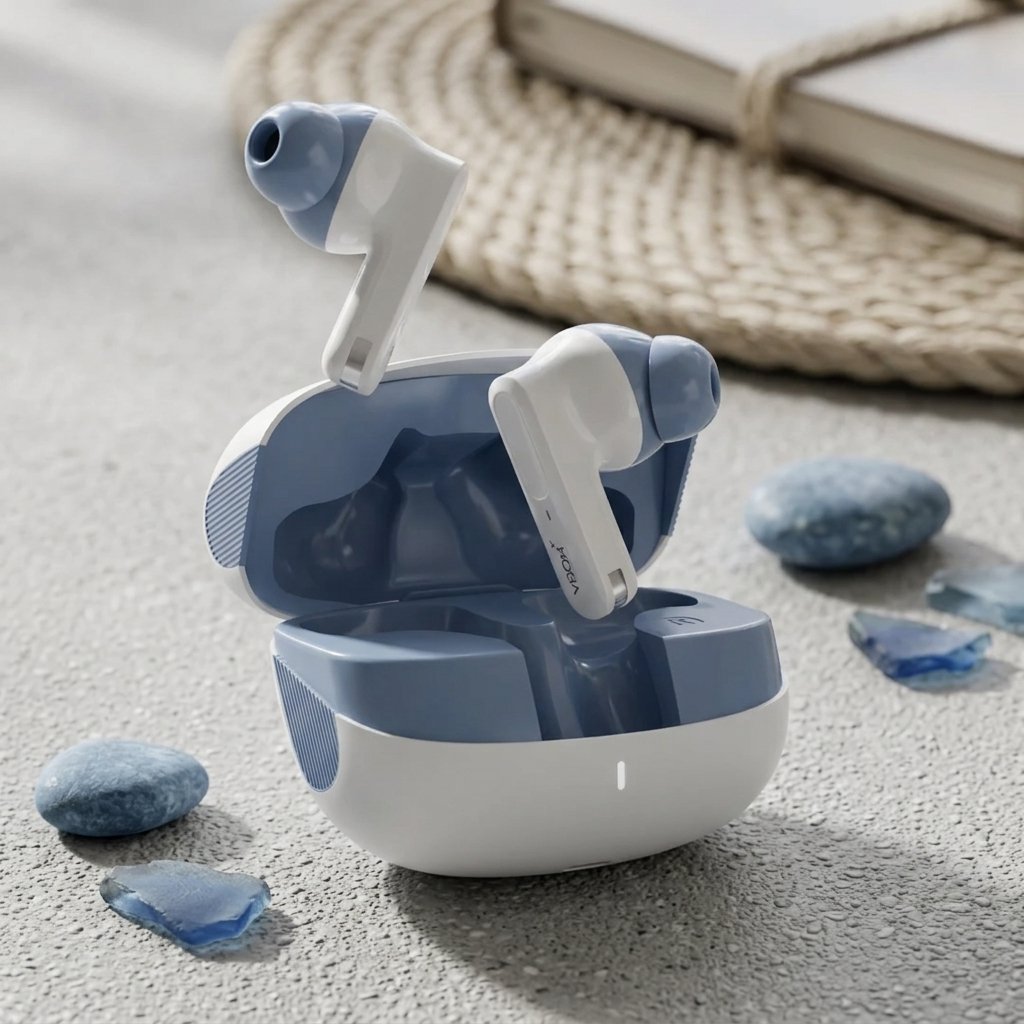
VBON Rovar Blue ANC Earbuds – Best Premium Wireless Sound & Calls
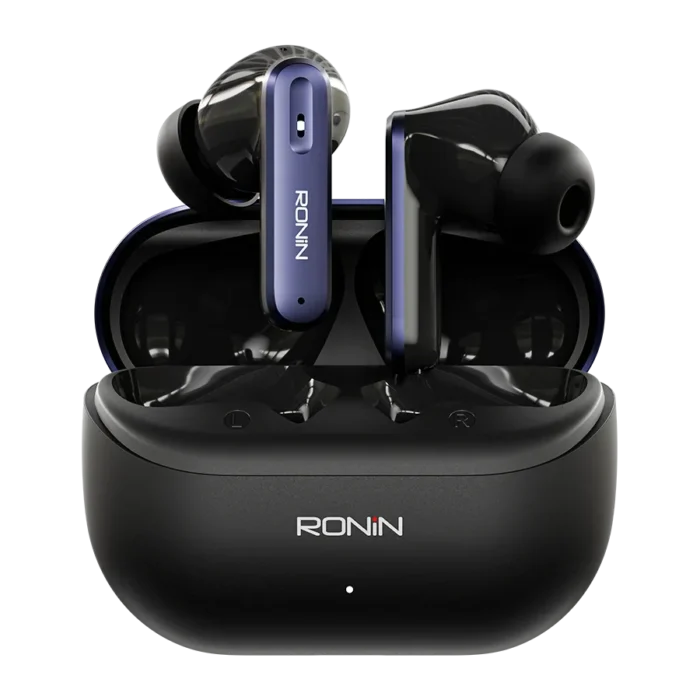
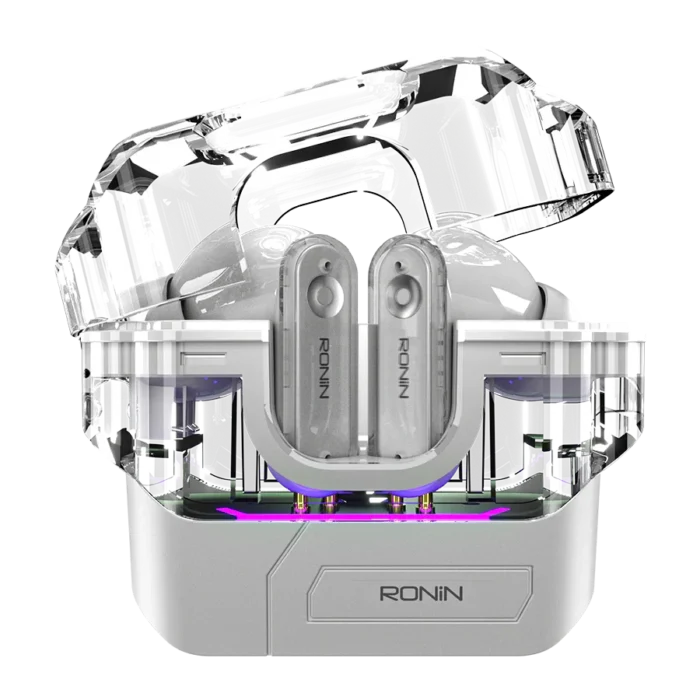
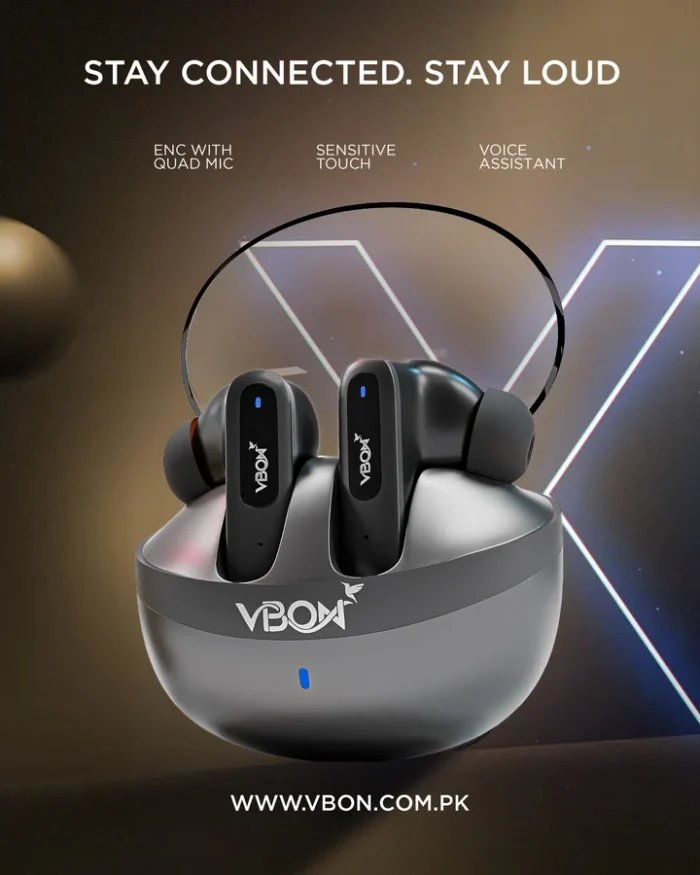
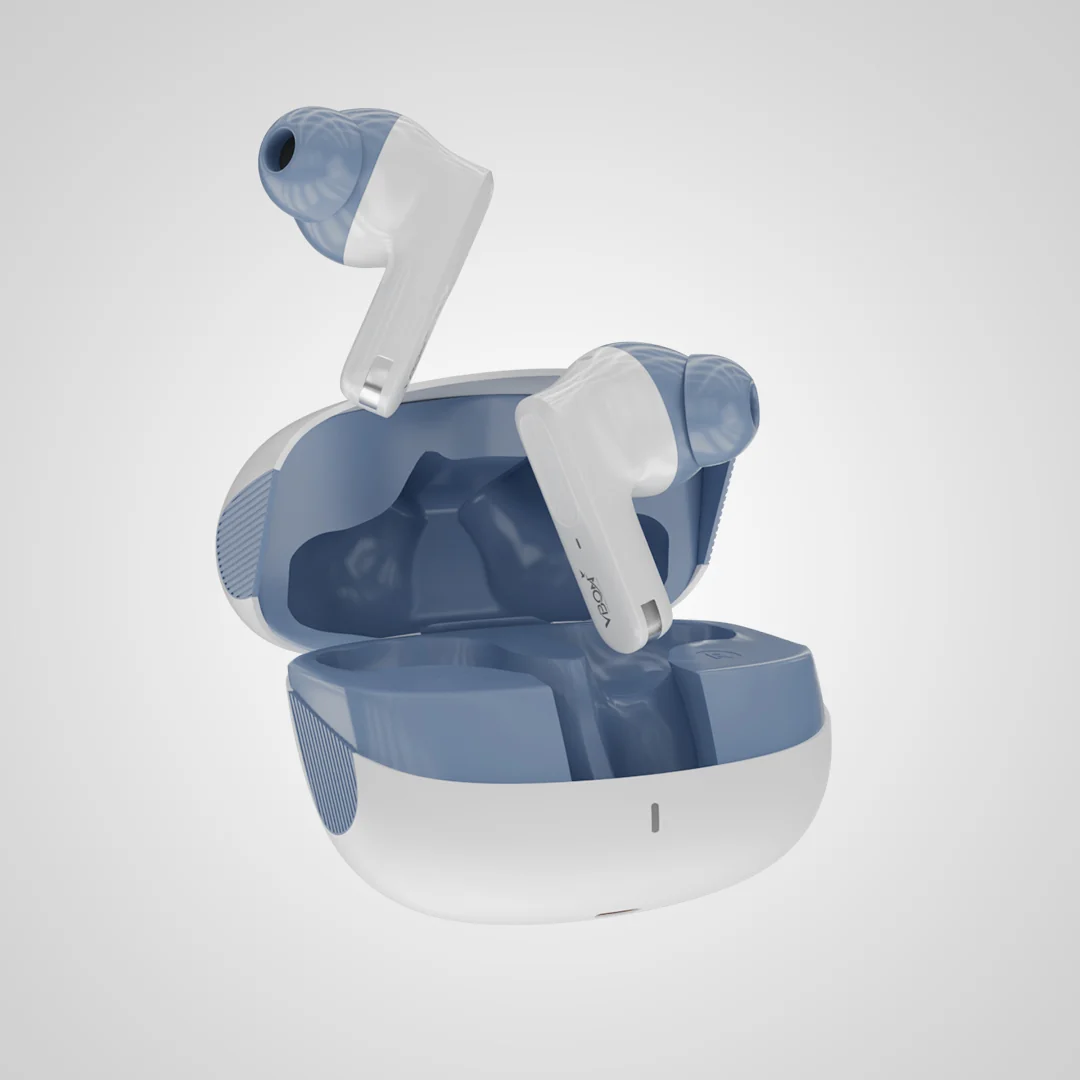
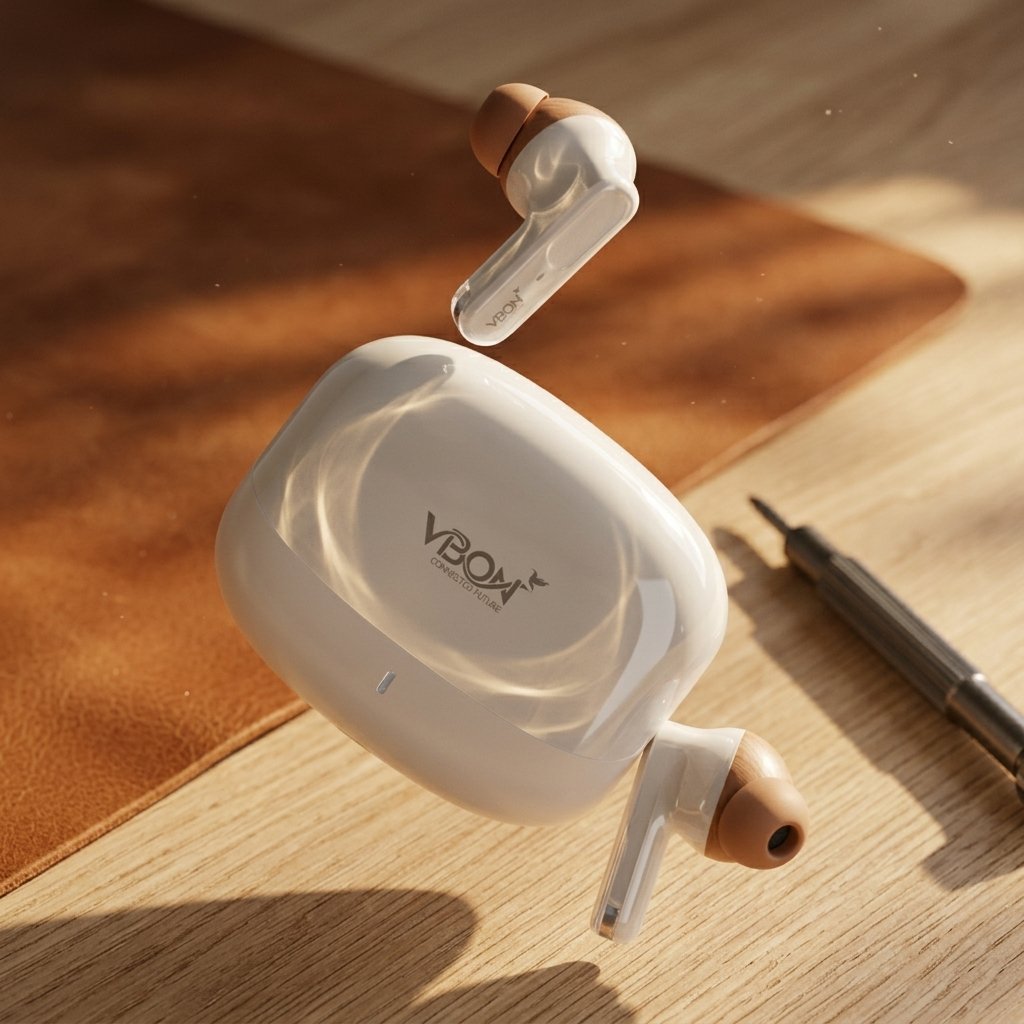
The VBON Rovar Blue ANC Earbuds are designed for users who want wireless audio, noise cancellation, and convenient everyday calling. Featuring Active Noise Cancellation (ANC), Bluetooth connectivity, and a compact charging case, these earbuds offer a practical audio solution for music, calls, travel, and daily entertainment.
With a blue finish and modern wireless design, the VBON Rovar earbuds are suitable for users who want comfortable portability and useful audio features. The manufacturer lists 2-mic call noise reduction, immersive spatial acoustics, and dual sound units as key features.
Whether you are listening to music, attending calls, commuting, or relaxing at home, the VBON Rovar Blue earbuds provide wireless functionality without the need for a traditional wired connection.
Table of Contents
- Key Features
- Why Choose VBON Rovar Blue ANC Earbuds
- Sound and Calling Features
- Battery and Charging
- Compatibility
- How to Use
- Specifications
- Frequently Asked Questions
VBON Rovar Blue ANC Earbuds Key Features
1. Active Noise Cancellation (ANC)
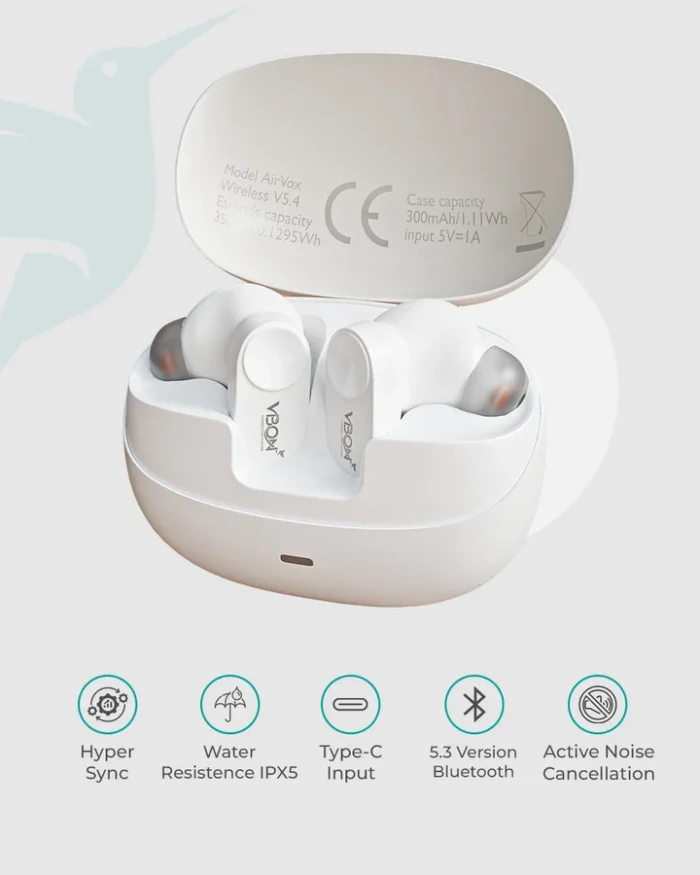
The VBON Rovar Blue ANC Earbuds feature Active Noise Cancellation, designed to reduce unwanted background noise.
ANC can help create a more immersive listening experience by reducing certain surrounding sounds. Its effectiveness depends on the environment, fit, and audio content.
These earbuds are suitable for users who want noise-reduction functionality during music listening and everyday use.
2. Bluetooth 5.3 + EDR Connectivity
The manufacturer lists Bluetooth 5.3 + EDR connectivity for the Rovar model.
Wireless Bluetooth connectivity allows you to pair the earbuds with compatible smartphones, tablets, and other devices.
The listed wireless range is up to 10 meters under suitable conditions. Actual range depends on obstacles, interference, and connected devices.
3. 2-Mic Call Noise Reduction
The earbuds feature a 2-microphone call noise-reduction system according to the manufacturer’s description.
This feature is designed to help improve voice clarity during calls by reducing unwanted background noise.
Call quality can vary depending on the surrounding environment, microphone performance, and network conditions.
4. Immersive Spatial Acoustics
VBON markets the Rovar earbuds with immersive spatial acoustics for a richer listening experience.
This feature is intended to enhance the perceived soundstage. The actual listening experience depends on the audio source, device, and content.
5. Type-C Charging
The earbuds use a USB Type-C charging interface.
Type-C charging is convenient for users who already have compatible charging cables and accessories.
Charging time is listed by the manufacturer at approximately 1.5 hours.
Why Choose VBON Rovar Blue ANC Earbuds?
Wireless Convenience
Wireless earbuds reduce the need for traditional wired connections.
The VBON Rovar Blue earbuds can be paired with compatible Bluetooth devices, making them suitable for everyday listening, calls, and entertainment.
Their compact form factor also makes them convenient to carry in a pocket, bag, or travel case.
Suitable for Daily Calling
The Rovar earbuds include microphone-based call noise reduction.
They can be used for phone calls, online meetings, and everyday communication through compatible Bluetooth devices.
For important professional calls, actual microphone performance should be evaluated under real-world conditions.
Portable Charging Case
The earbuds come with a charging case designed to store and recharge them when required.
The manufacturer lists a 300mAh charging case battery. Actual battery performance depends on usage volume, connection settings, and other conditions.
Modern Audio Features
The combination of ANC, Bluetooth connectivity, and spatial audio features makes the Rovar a practical option for customers looking for modern wireless earbuds.
Customers should review the product specifications and ensure the features meet their personal requirements.
Sound and Calling Features
Dual Sound Units
VBON describes the Rovar model as using concentric moving-coil and moving-iron drivers.
The manufacturer presents this configuration as supporting Hi-Fi audio and balanced frequencies.
Actual sound quality depends on the earbud design, tuning, fit, and audio source.
Music Listening
The earbuds can be used for music playback through compatible Bluetooth devices.
They are suitable for different everyday listening activities, including casual music, videos, and podcasts.
Voice Calls
The integrated microphones support wireless calling.
Call quality varies with microphone placement, environmental noise, Bluetooth connection, and the connected device.
Battery and Charging
The official product page lists the following battery information:
| Component | Capacity |
|---|---|
| Left and Right Earbuds | 2 × 40mAh |
| Charging Case | 300mAh |
| Listed Battery Time | Up to 35 hours |
| Listed Playtime with Case | Up to 48 hours |
| Charging Time | Approximately 1.5 hours |
Battery performance may vary depending on volume, ANC usage, connection conditions, and other factors.
Important: The manufacturer’s page lists both up to 35 hours of battery time and up to 48 hours of playtime with the case. Confirm the exact battery terminology and testing conditions with VBON before using these figures in a prominent advertising claim.
Compatibility
Android Smartphones
The earbuds are designed for Bluetooth connectivity and can be used with compatible Android smartphones.
Pairing and supported functions depend on the phone and operating system.
iPhone
The earbuds can be used with compatible iPhones through Bluetooth.
Some features may depend on the connected device and software.
Tablets and Other Devices
The earbuds can also be used with compatible Bluetooth-enabled tablets and other supported devices.
Check the device’s Bluetooth compatibility before purchase.
How to Use VBON Rovar Blue ANC Earbuds
Step 1: Charge the Earbuds
Place the earbuds inside the charging case and charge them using the Type-C interface.
Step 2: Open Bluetooth Settings
Enable Bluetooth on your smartphone or compatible device.
Step 3: Pair the Earbuds
Follow the device’s Bluetooth pairing instructions and select the earbuds when they appear.
Step 4: Listen to Music or Make Calls
Once connected, use the earbuds for supported audio playback and voice calls.
Step 5: Store the Earbuds
Place the earbuds back inside the charging case after use to help protect and recharge them.